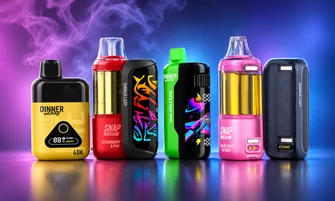


If you're dealing with a Dinner Lady Vape Not Charging issue, you may be wondering whether the problem is with your charging cable, battery, or device itself.
Your Dinner Lady vape may not charge because of a faulty USB-C cable, a blocked charging port, an incompatible power source, a completely drained battery, or an internal charging malfunction. Checking your charging accessories and battery indicator can help you identify the problem.
Before deciding whether your device needs replacing, our guide explains the common causes of Dinner Lady vape charging issues, how to troubleshoot them safely, and when to contact customer support.
Table of contents
Explore Our Categories


Why Is My Dinner Lady Vape Not Charging?
Your Dinner Lady vape may stop charging for several reasons. Some problems involve external charging accessories, while others may indicate a malfunction inside your device.
Here are the most common causes:
- Faulty USB-C cable: A damaged cable or loose connector can prevent your device from receiving power.
- Blocked charging port: Dust, pocket lint, or debris can interfere with the charging connection.
- Incompatible power source: A charging adapter that doesn't meet your device's requirements may prevent proper charging.
- Completely drained battery: A deeply discharged battery may not respond normally when connected to power.
- Temperature-related problems: Exposure to extreme heat or cold can affect battery charging.
- Internal battery malfunction: A damaged battery or charging circuit may prevent your vape from accepting or maintaining a charge.
Understanding these possible causes can help you determine whether your charging problem is related to an accessory or the device itself.
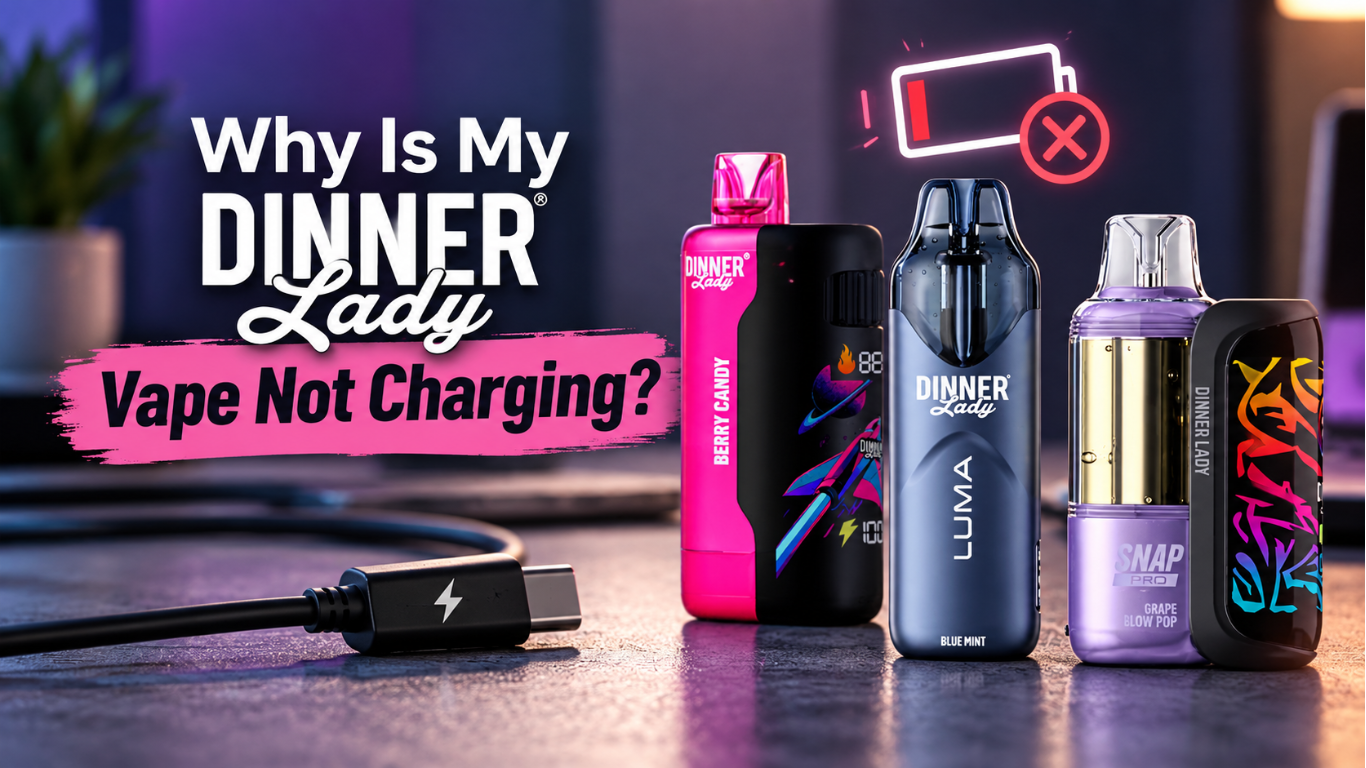
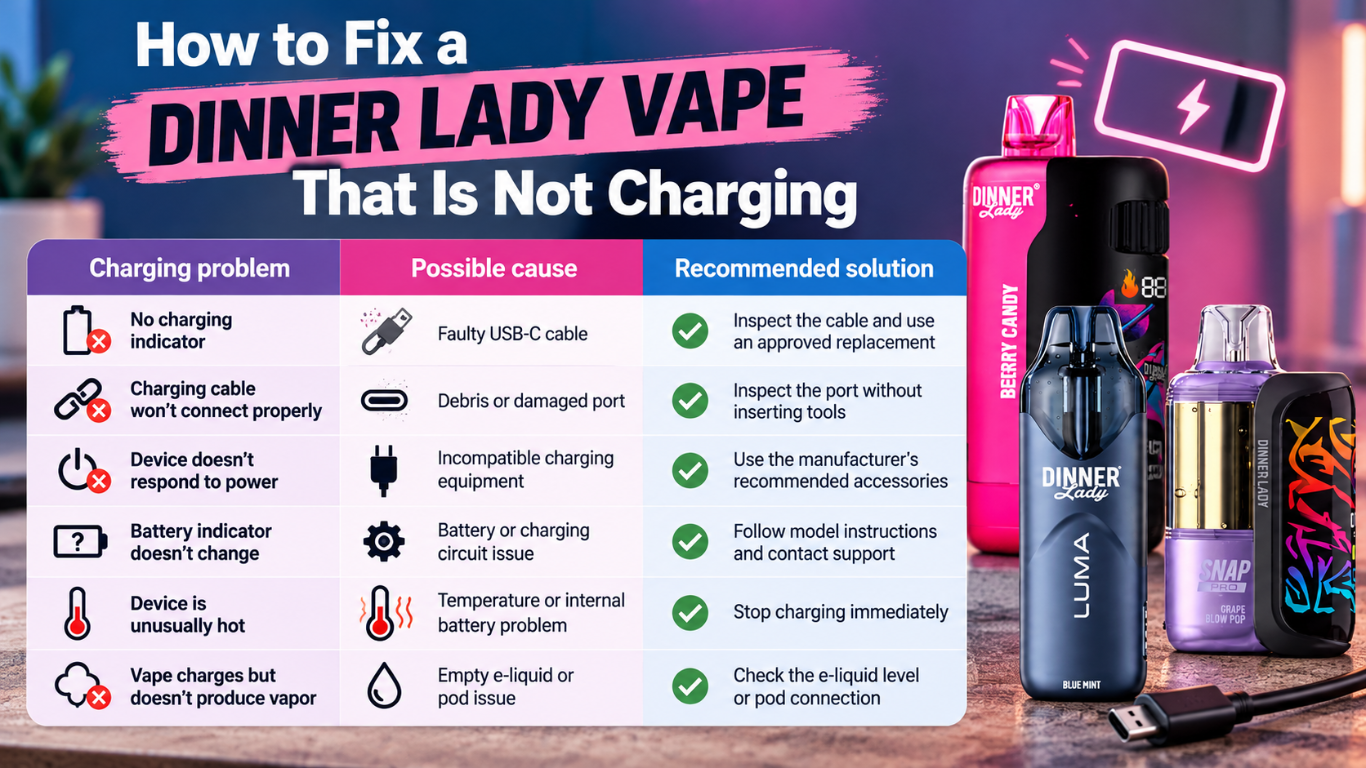
How to Fix a Dinner Lady Vape That Is Not Charging
If your rechargeable Dinner Lady vape isn't charging, start with the simplest external checks before considering a replacement.
| Charging problem | Possible cause | Recommended solution |
|---|---|---|
| No charging indicator | Faulty USB-C cable | Inspect the cable and use an approved replacement |
| Charging cable won't connect properly | Debris or damaged port | Inspect the port without inserting tools |
| Device doesn't respond to power | Incompatible charging equipment | Use the manufacturer's recommended accessories |
| Battery indicator doesn't change | Battery or charging circuit issue | Follow model instructions and contact support |
| Device is unusually hot | Temperature or internal battery problem | Stop charging immediately |
| Vape charges but doesn't produce vapor | Empty e-liquid or pod issue | Check the e-liquid level or pod connection |
1. Check Your USB-C Charging Cable
A damaged USB-C cable is one possible reason your Dinner Lady vape isn't charging.
Charging cables can develop loose connections, damaged connectors, or internal wiring problems, especially after repeated use.
If your device doesn't respond when connected to power, inspect the cable before assuming the battery has failed.
What you can do:
- Disconnect your vape from the power source.
- Examine the cable for bent connectors, exposed wiring, or other damage.
- Make sure the cable fits securely without forcing it into the port.
- If necessary, use an undamaged replacement cable approved for your device.
- Check whether your vape displays its usual charging indicator.
If your device begins charging with an approved replacement cable, the original cable may have been responsible.
Never continue using a cable with visible damage or exposed wiring.
2. Inspect Your Dinner Lady Vape Charging Port
Your Dinner Lady vape may collect dust or pocket lint when carried in your bag, pocket, or other storage areas.
Over time, debris around the USB-C port can interfere with the charging connection.
How to check your charging port:
- Disconnect the charging cable.
- Place your vape in a well-lit area.
- Inspect the charging port for visible debris, moisture, or damage.
- Gently remove loose debris from the exterior using a clean, dry, lint-free cloth.
- Reconnect the approved charging cable only if the port is clean, dry, and undamaged.
Avoid inserting needles, pins, metal tools, or other objects into the charging port.
If debris is lodged inside the connector or the port appears damaged, contact customer support instead of trying to repair it yourself.
3. Use the Recommended Charging Equipment
An incompatible charging adapter or power source may cause a Dinner Lady vape charging problem.
Although many electronic devices use USB-C connections, they don't necessarily share the same charging requirements.
If your Dinner Lady vape doesn't charge, check whether you're using the charging equipment recommended for your particular model.
What you should do:
- Review the charging instructions provided with your device.
- Use the manufacturer's supplied or approved charging equipment.
- Check the charging accessories for visible damage.
- Avoid using unapproved adapters or improvised charging connections.
- Contact our support team if you're unsure which accessories are compatible.
Do not assume that a phone or tablet charger is suitable simply because it has a USB-C connection.
Using recommended charging equipment helps you avoid preventable charging problems.
4. Check Whether Your Battery Is Completely Drained
If you've left your Dinner Lady vape unused for an extended period, its rechargeable battery may have discharged significantly.
A deeply discharged battery may not immediately show a normal charging response. In some cases, the battery may no longer accept a charge.
What you can do:
Connect your undamaged device to the manufacturer-approved charging equipment and check whether its charging indicator responds.
Follow the charging instructions for your specific Dinner Lady model.
If your device remains completely unresponsive after an appropriate charging attempt, disconnect it and contact customer support.
Don't leave an unresponsive vape connected to power for hours or attempt to reactivate its battery through unauthorized methods.
5. Check for Temperature-Related Charging Problems
Rechargeable lithium-ion batteries can be affected by extreme temperatures.
If your Dinner Lady vape has been left in a hot vehicle, direct sunlight, or freezing conditions, the battery may not operate normally.
Some rechargeable devices include protective circuitry that restricts charging under unsuitable conditions.
What should you do?
- Disconnect your device from the charger.
- Move it to a dry, room-temperature location.
- Allow the temperature to stabilize naturally.
- Inspect the device for damage before attempting another charge.
Avoid using a hair dryer, heater, refrigerator, or freezer to change the battery's temperature.
If your vape becomes unusually hot, develops swelling, leaks, or produces a strange odor, stop using and charging it immediately.
6. Identify a Possible Internal Battery Problem
If you've checked the external charging accessories and your Dinner Lady vape still doesn't charge, an internal battery or electronic component may be malfunctioning.
Rechargeable vapes use electronic circuitry to manage battery charging and device operation.
If a component fails, your device may stop accepting or maintaining a charge.
Possible signs of an internal problem include:
- Your device doesn't display a charging response.
- The battery indicator remains unchanged after following charging instructions.
- Your vape repeatedly stops charging.
- The battery loses power unexpectedly.
- The device behaves abnormally despite using approved charging accessories.
Do not open your disposable vape or attempt to replace the internal battery.
If the problem continues, contact our support team to discuss troubleshooting or replacement options.
Dinner Lady Vape Charging Issues by Model
Different Dinner Lady vape models have different battery capacities and charging features.
Knowing your model's specifications can help you understand its charging requirements.
| Dinner Lady model | Battery capacity | Charging connection |
|---|---|---|
| Dinner Lady LYXA 30K | 650mAh | USB-C |
| Dinner Lady Snap Pro 35K | 850mAh main battery and 200mAh pod battery | USB-C |
| Dinner Lady Desserts 40K | 850mAh | USB-C |
| Dinner Lady Galax 60K | 1,000mAh | USB-C |
Dinner Lady LYXA 30K Not Charging
The Dinner Lady LYXA 30K features a 650mAh rechargeable battery. If your LYXA 30K isn't charging, inspect its USB-C charging port for visible damage or debris and make sure you're using the recommended charging equipment. Check whether the battery indicator responds when connected to power. If your device remains unresponsive, an internal charging problem may be responsible. In this case, contact our support team for assistance rather than attempting to open or modify the battery.
Dinner Lady Snap Pro 35K Not Charging
The Dinner Lady Snap Pro 35K features an 850mAh rechargeable main battery and a 200mAh pod battery. If your Snap Pro isn't charging, check whether the issue involves the main battery or the pod. Inspect the USB-C charging connections and battery indicators for any signs of a charging problem. If your battery charges normally but the device doesn't produce vapor, make sure your pod is properly installed or check whether it needs replacement. If the charging issue continues, contact our support team rather than attempting to repair the internal battery or modify the pod's electrical connections.
Dinner Lady Desserts 40K Not Charging
The Dinner Lady Desserts 40K features an 850mAh rechargeable battery and a USB-C charging port. If your device isn't charging, check the USB-C cable, charging port, and recommended power source for any visible damage or connection issues. The battery indicator can help you monitor its status, so refer to the manufacturer's instructions if it doesn't respond as expected. If the problem persists, contact our customer support team for assistance.
Dinner Lady Galax 60K Not Charging
The Dinner Lady Galax 60K features a 1,000mAh rechargeable battery, USB-C charging, and an animated display. If your Galax 60K isn't charging, check the USB-C cable connection and look for the expected charging indication on the display. Inspect your device for visible damage and make sure you're using the manufacturer's recommended charging equipment. If the screen remains unresponsive or the battery still doesn't accept a charge, contact our customer support team for further assistance.
How Do I Know If My Dinner Lady Vape Is Charging?
You can determine whether your Dinner Lady vape is charging by checking its battery indicator or display after connecting it to the recommended charging equipment.
The exact charging indication depends on your model.
Some Dinner Lady devices feature digital screens, while others display battery-status indicators.
Follow these steps:
- Connect your device to approved charging equipment.
- Check whether the battery indicator or screen responds.
- Refer to your model's instructions to understand the charging symbols.
- Allow charging to proceed according to the manufacturer's directions.
- Disconnect the device when charging is complete.
Remember that charging indicators may behave differently between models.
A screen turning off doesn't automatically mean your battery has failed.
If your device doesn't show the expected charging response, check its external charging accessories and contact support if necessary.
What If My Dinner Lady Vape Lights Up but Doesn't Charge?
If your Dinner Lady vape lights up when connected to power but doesn't appear to charge, the issue may involve the charging connection, battery, or internal circuitry.
A charging light doesn't always confirm that the battery is successfully storing power.
Check whether your device's battery indicator changes as described in its instructions.
If the battery level remains unchanged, disconnect your vape and inspect the charging accessories.
Use only approved replacement accessories.
If your device continues displaying the same problem, contact our support team instead of leaving it connected for an extended period.
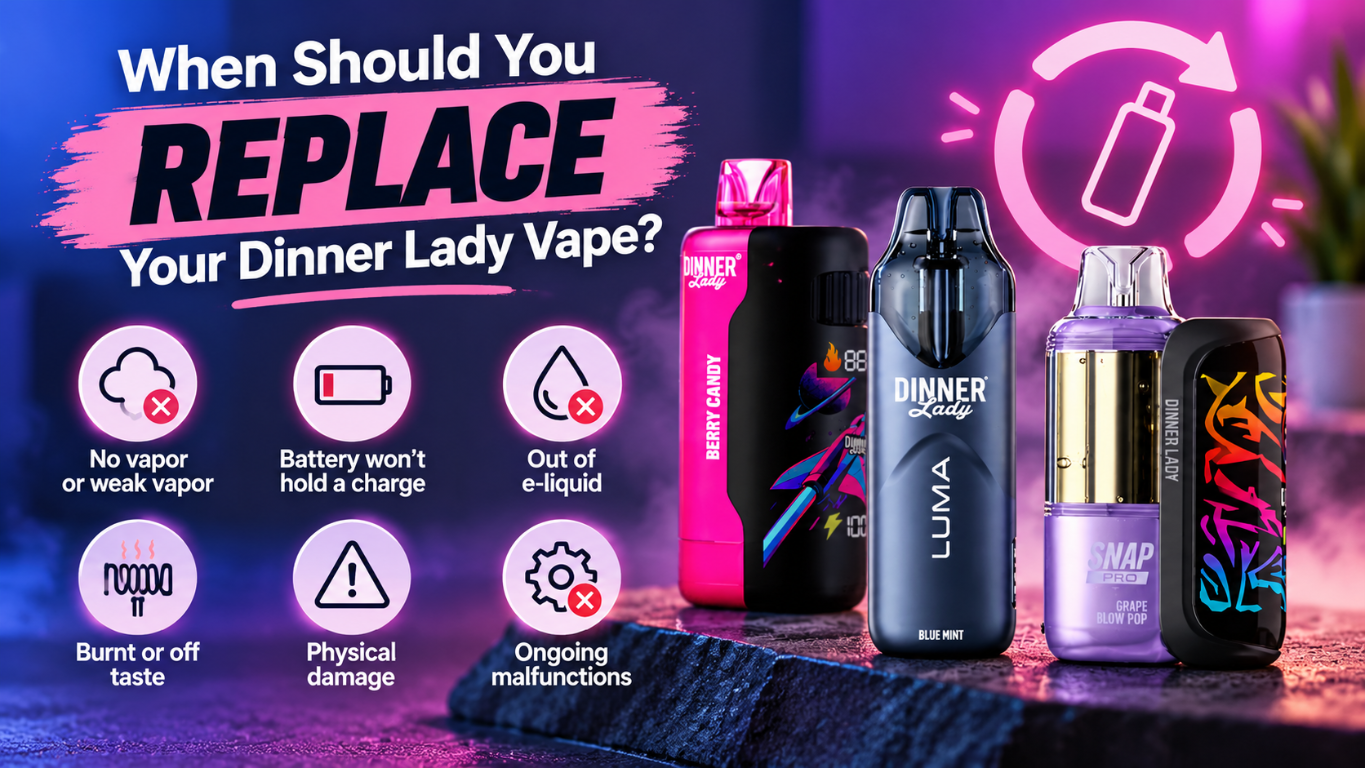
When Should You Replace Your Dinner Lady Vape?
Not every Dinner Lady vape charging problem can be resolved through basic troubleshooting.
Sometimes, a device may need to be replaced because of physical damage, battery deterioration, or an internal malfunction.
You should stop using the device and seek support if:
- The battery doesn't accept power after appropriate troubleshooting.
- The USB-C charging port is visibly broken or damaged.
- Your vape repeatedly loses power unexpectedly.
- The battery or casing becomes unusually hot.
- The device shows swelling, leaks, smoke, or physical damage.
- Your vape has been exposed to water and is no longer operating normally.
If your device arrives defective, contact our support team promptly.
According to our published return policy, defective products should be reported within seven days of delivery. Opened products are generally eligible for store credit rather than a refund, subject to the applicable policy and approval.
Keep your order confirmation, product packaging, and purchase information available when submitting a support request.
You can review our complete Refund Policy for eligibility requirements.
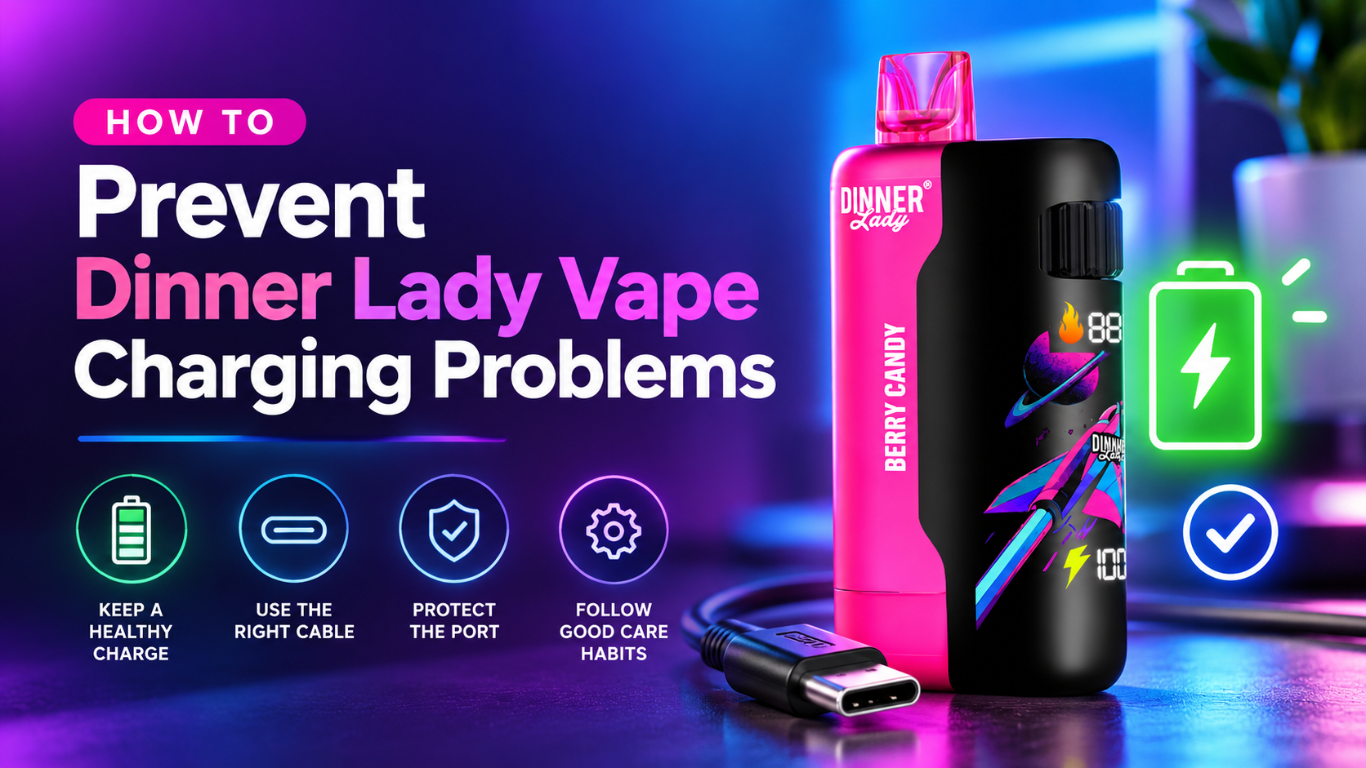
How to Prevent Dinner Lady Vape Charging Problems
Proper handling and charging habits can help you reduce avoidable battery and charging problems.
Use Approved Charging Accessories
Always use charging equipment recommended for your specific Dinner Lady model.
Avoid damaged cables, unapproved adapters, and improvised charging connections.
Keep the Charging Port Clean and Dry
Protect your vape from moisture, dust, and pocket lint.
Store your device in a clean, dry location when it's not in use.
Avoid Extreme Temperatures
Don't leave your Dinner Lady vape inside a hot vehicle, in direct sunlight, or in freezing conditions.
Avoid charging your device when it is exposed to extreme temperatures.
Don't Charge Your Device Overnight
Charge your vape on a stable, clean, nonflammable surface away from combustible materials.
Avoid charging it on your bed, couch, or underneath pillows.
Never leave your device charging unattended, and disconnect it when charging is complete.
Protect Your Vape From Physical Damage
Avoid dropping, crushing, or exposing your Dinner Lady vape to water.
If the casing, charging port, or battery appears damaged, discontinue use and contact support.
Dispose of Damaged Devices Responsibly
Disposable vapes contain electronic components and lithium-ion batteries that require appropriate disposal.
Never place a damaged vape in regular household trash.
Follow your local battery recycling or hazardous-waste disposal guidelines.
Bottom Line
If your Dinner Lady vape is not charging, a damaged USB-C cable, blocked charging port, incompatible power source, or internal battery problem may be responsible.
Start by inspecting your charging accessories, checking the battery indicator, and following the charging instructions for your specific Dinner Lady model.
If your device remains unresponsive, shows signs of damage, or becomes unusually hot, stop charging it and contact our customer support team.
At Dinner Lady Vape, our collection includes rechargeable options such as the Dinner Lady LYXA 30K, Snap Pro 35K, Desserts 40K, and Galax 60K. You can compare battery capacities, device features, and available models to understand which option meets your requirements.
Need help with your Dinner Lady vape?
Our team can assist with device troubleshooting, charging questions, and eligible replacement requests.
- Email: support@dinnerladyvape.com
- Phone: (302) 527-9559
- Contact Page: Contact Dinner Lady Vape